Your staff
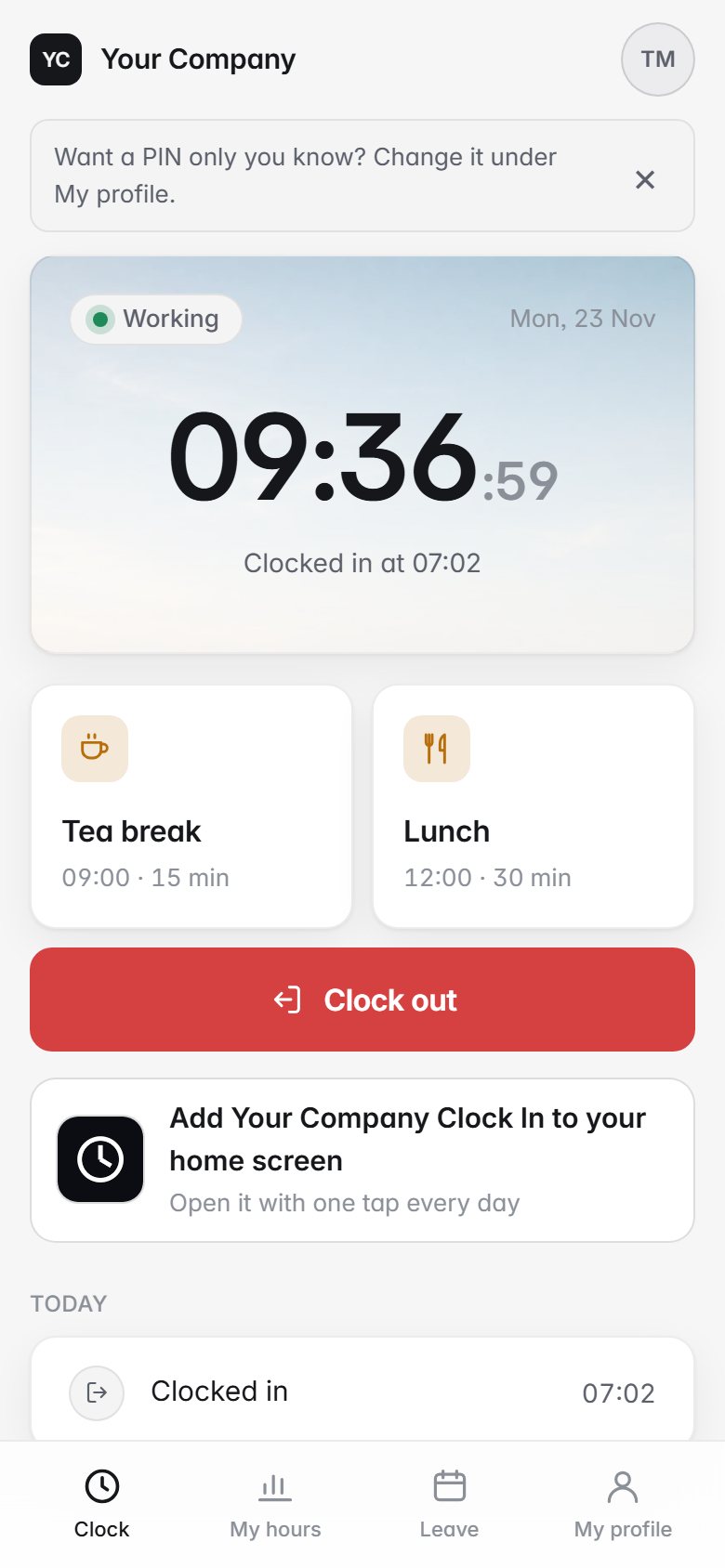
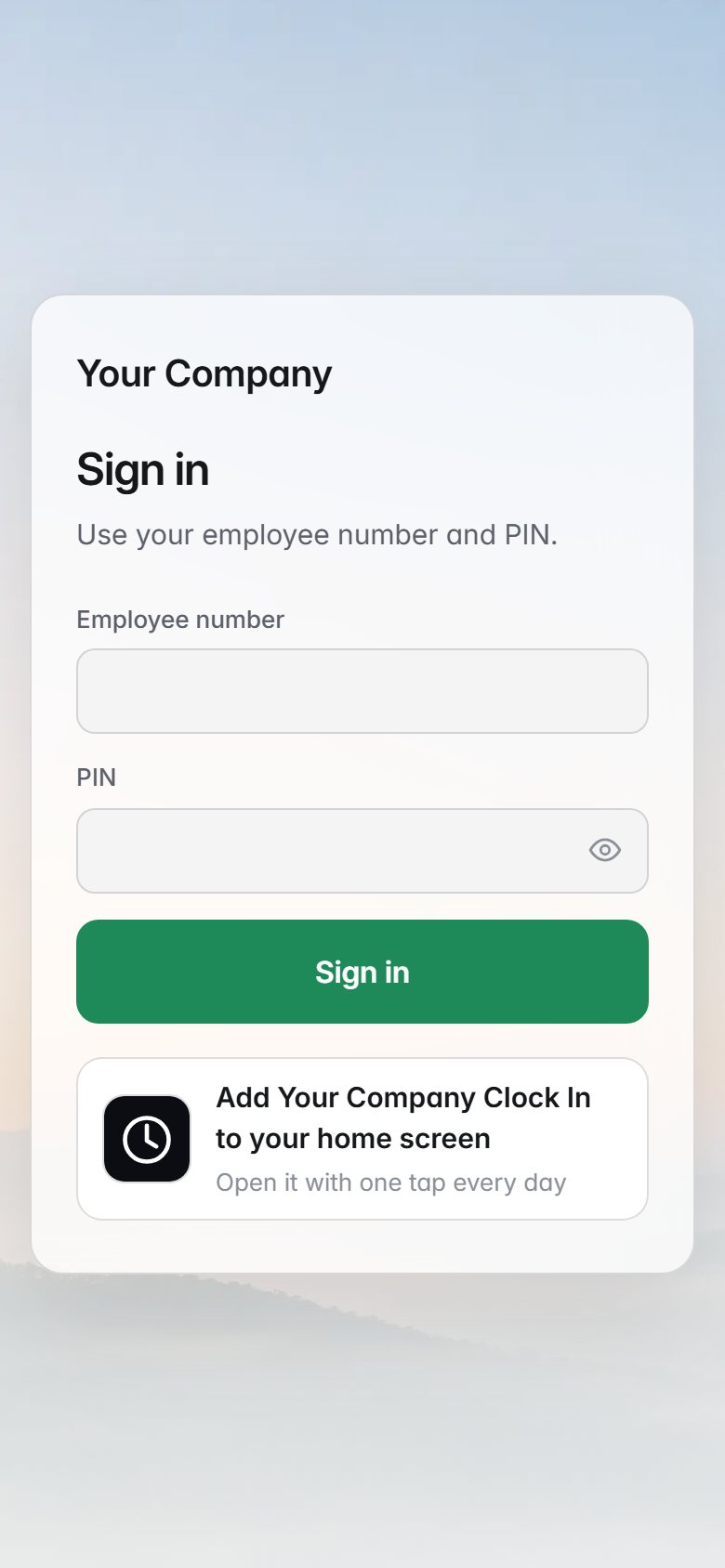
on their own phone
- Clock in and clock out, on site
- Start and end breaks
- Ask for leave
- Report a problem with a clock
- Change their own PIN, and sign out of every device
- They see their own screen, and nobody else's
HOW IT WORKS
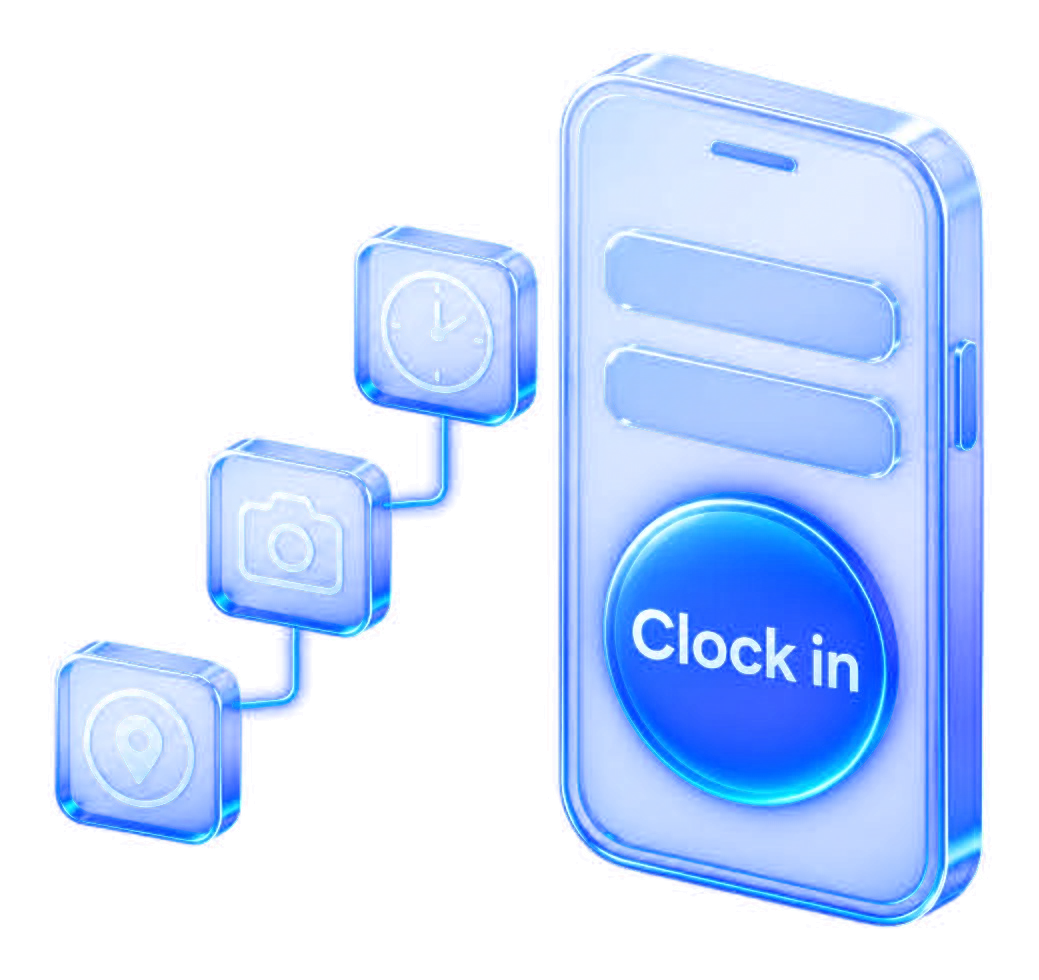
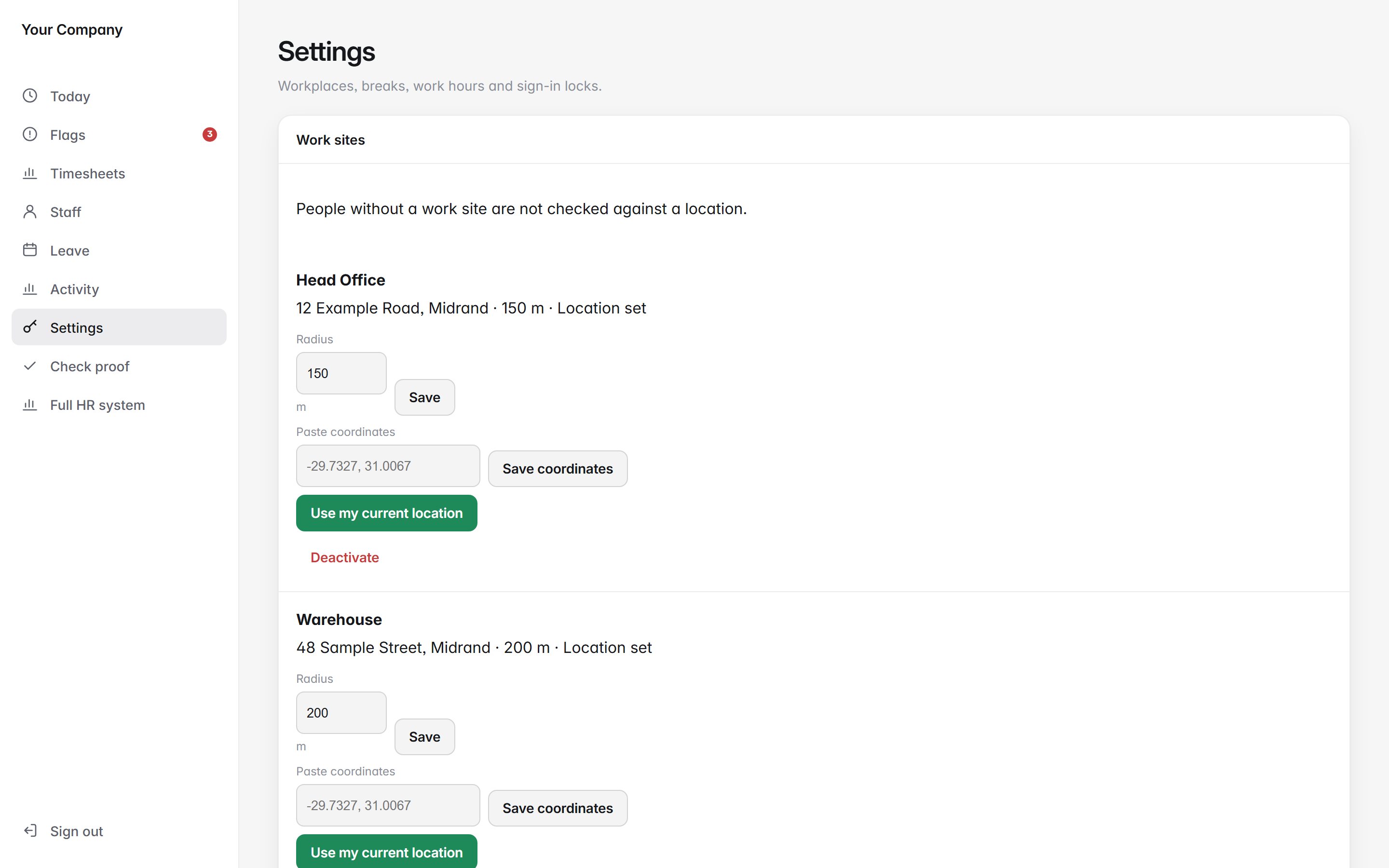
Staff open Clocking Time in their phone's browser and press Clock in. The clock is accepted only inside the radius you set around the site, it takes a photo, and it appears on your board at once. There is nothing to install and no machine on the wall.
FROM YOUR FIRST DAY
You get your own address, your logo and your sites, each with its own radius.
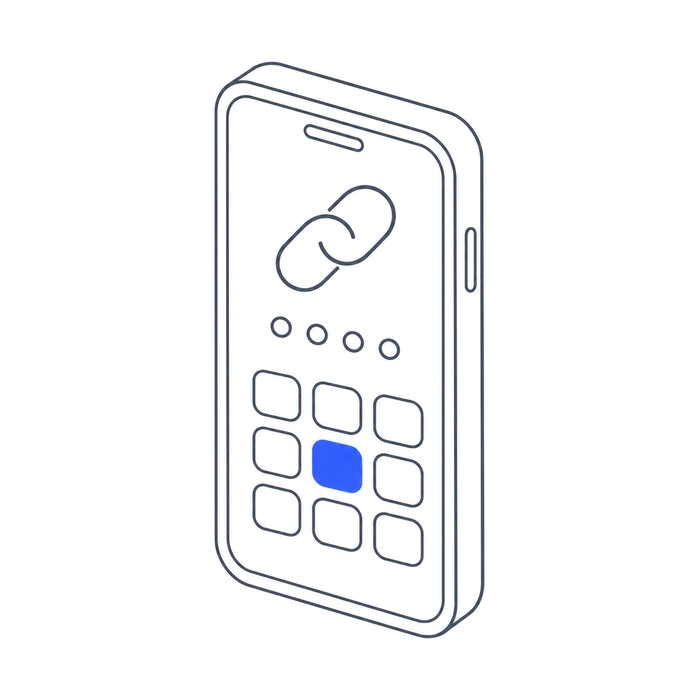
They open the link on their phone, choose a PIN and save Clocking Time to the home screen. You approve who joins, or import everyone from an Excel sheet.
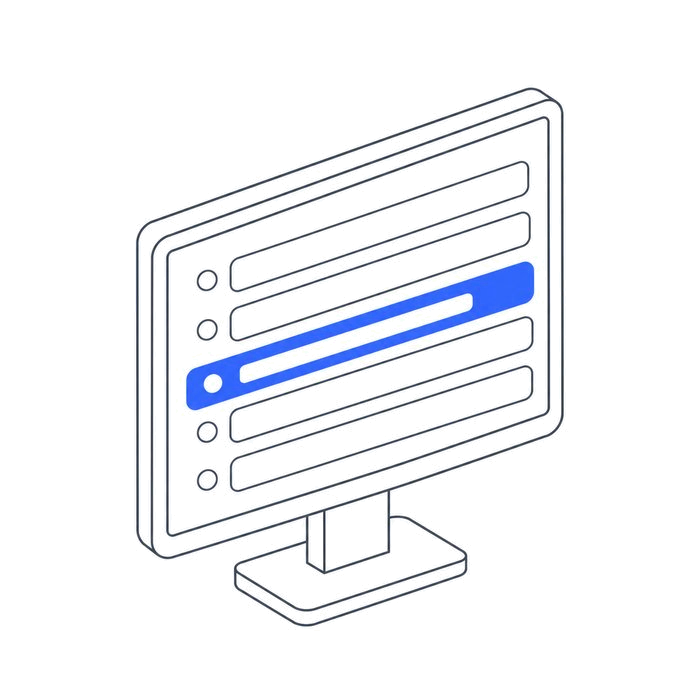
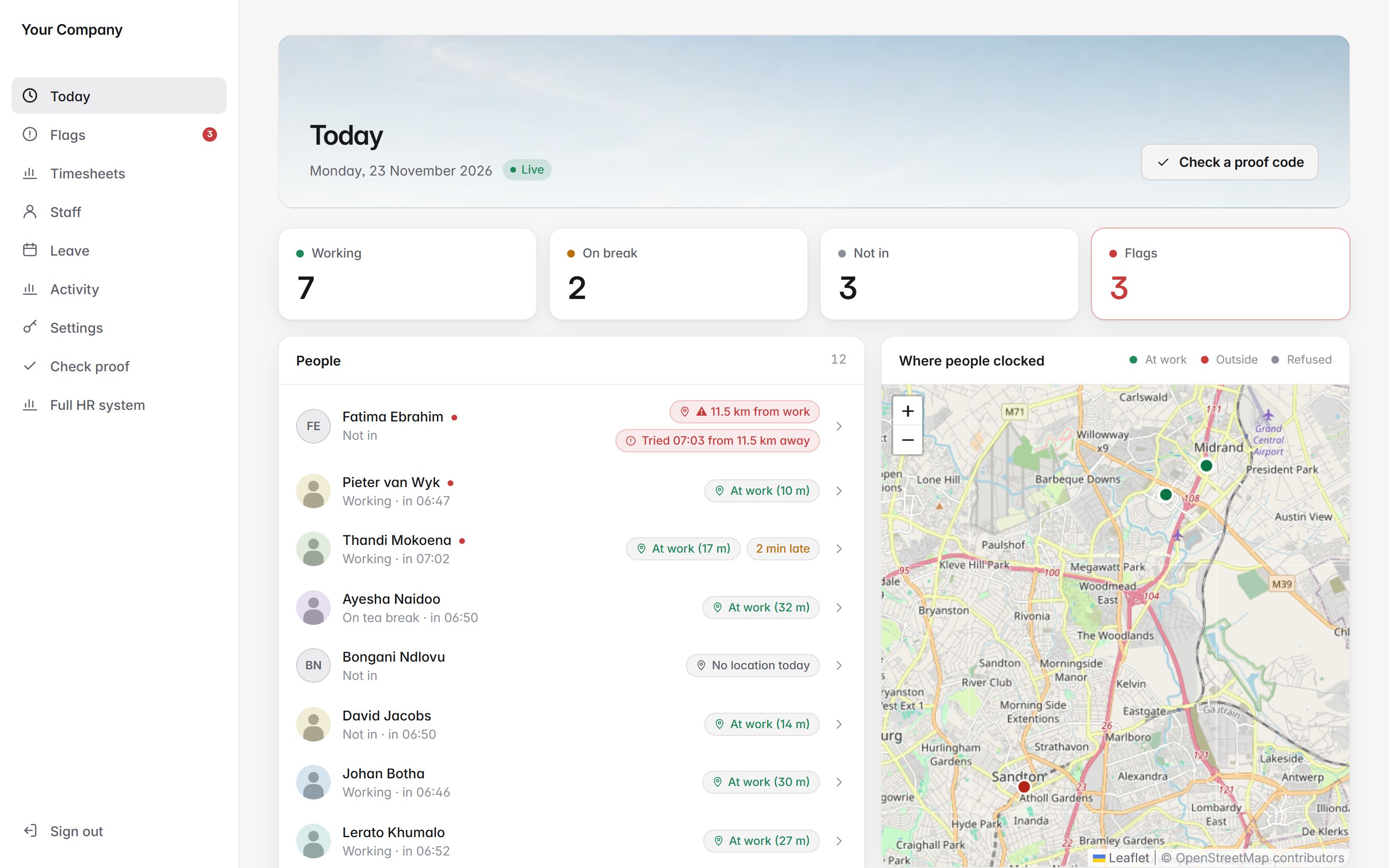
The board shows who is in, who is on a break and who has not arrived, as it happens.
NO GUESSWORK
ACCESS
on their own phone
in any browser
yours alone
ONE CLEAR PLACE
who is in, out and on a break
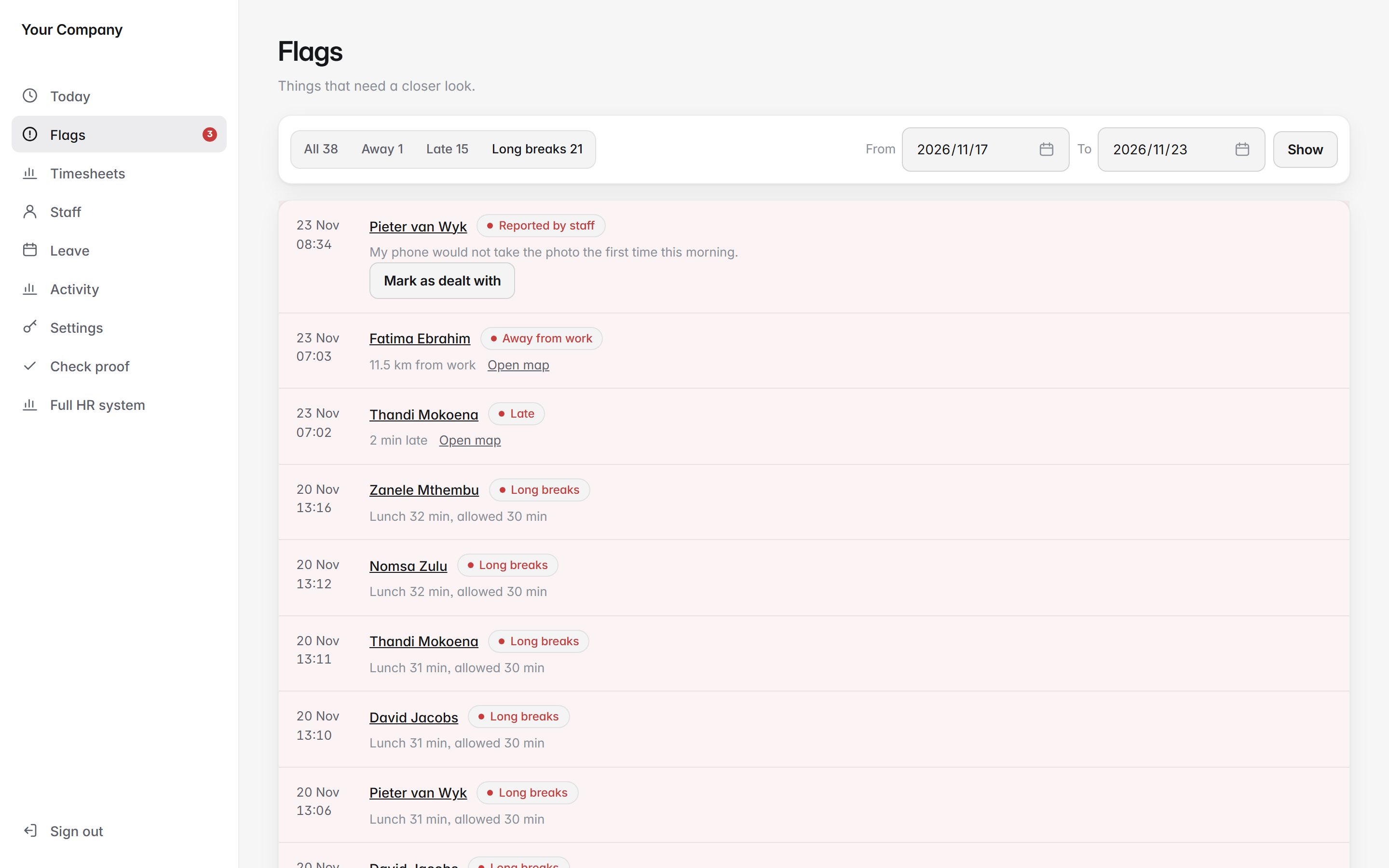
problems staff report and clocks that need a look
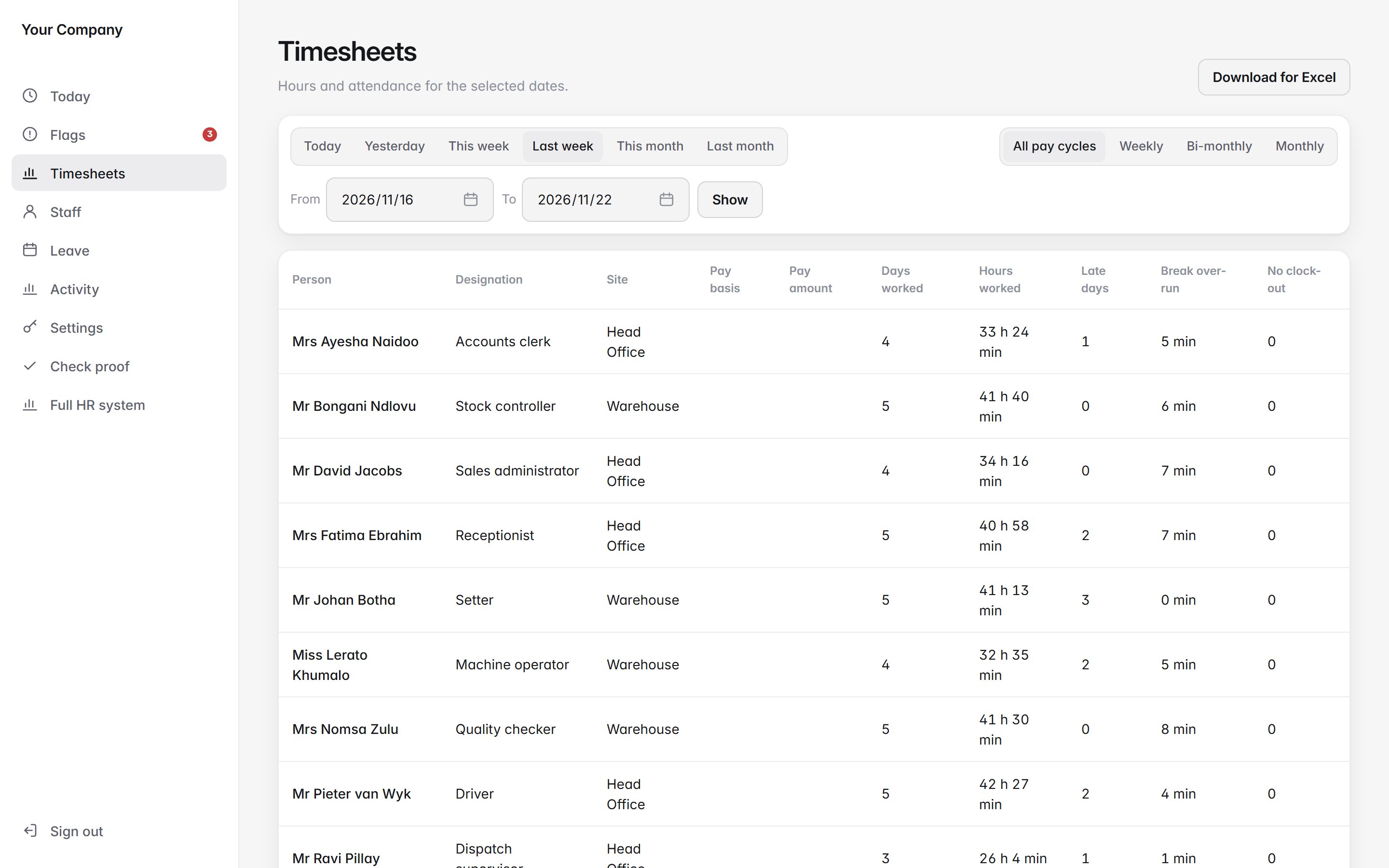
per pay cycle, download for payroll
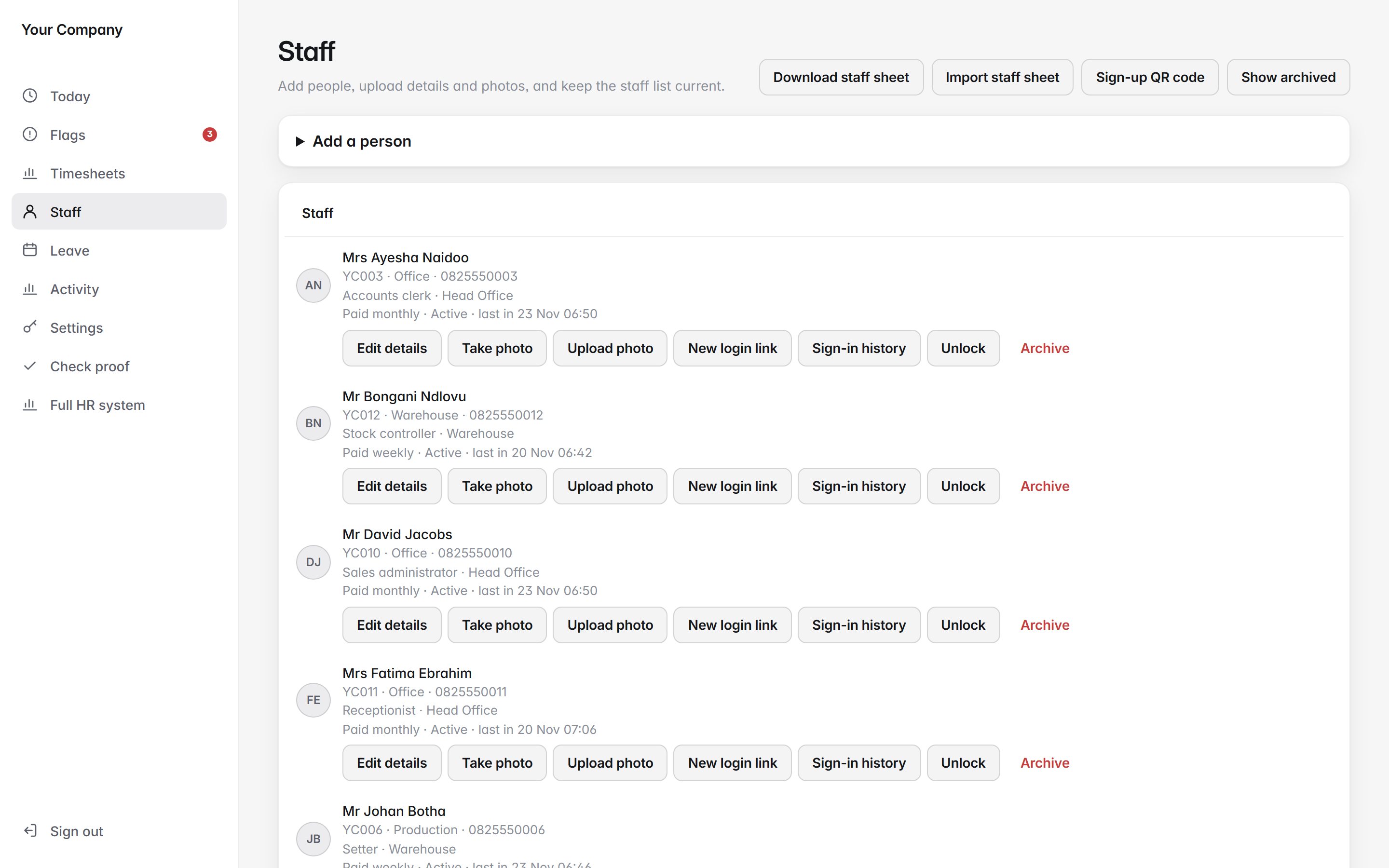
add one, import from Excel, archive and restore
send a link, approve or decline who signs up
approve or decline requests
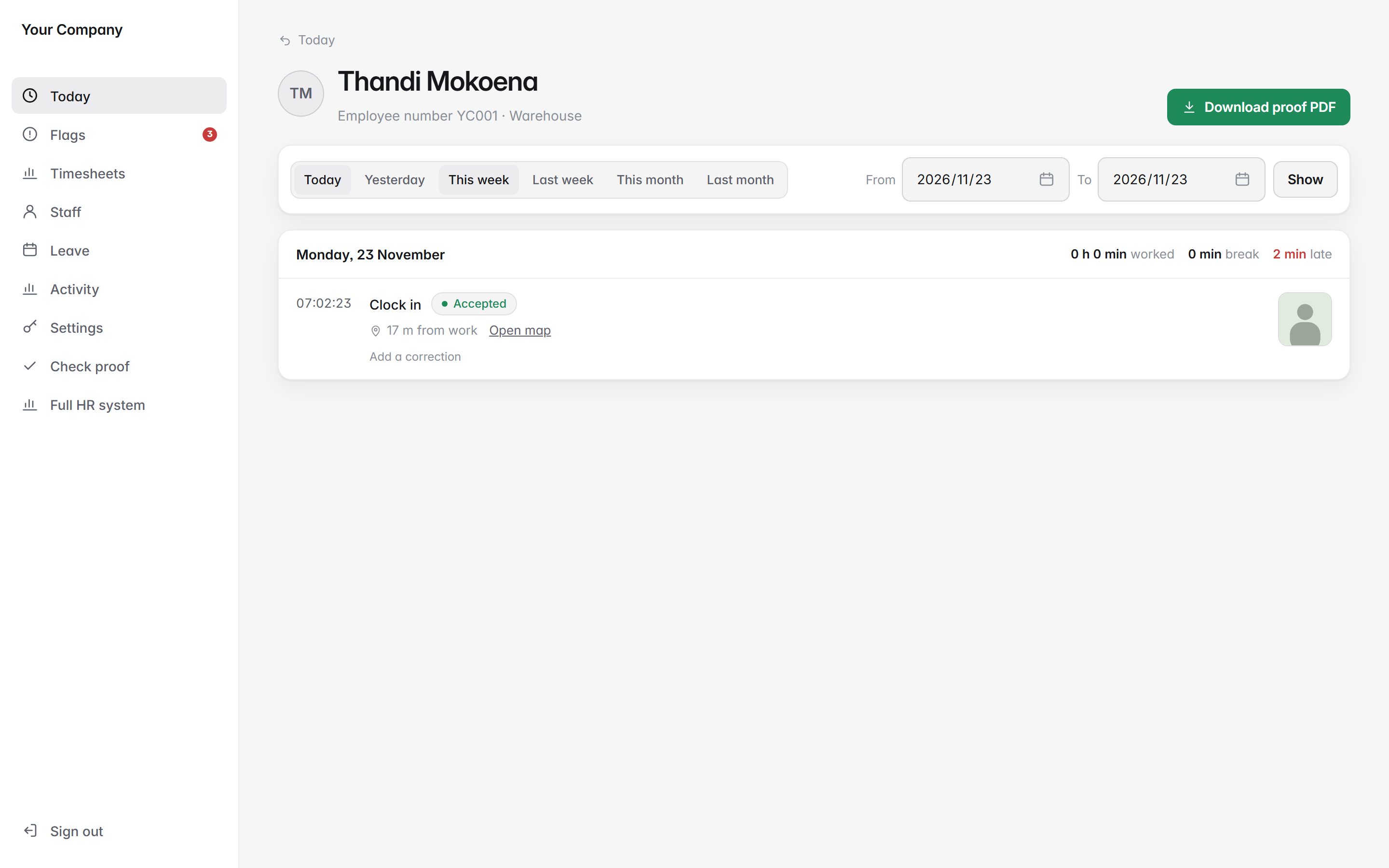
a PDF proof pack per person, and a check that the record is intact
as many as you need, each with its own location and radius

Ask for a demo and we will show you the staff screen, the board, timesheets and a proof pack, on a demo company.